Best Tools for Solopreneurs (My Practical Stack)
If you search for the best tools for solopreneurs, you usually get giant lists with 100+ apps. I tried that approach and found it hard to keep things focused.
I build Seline mostly solo, so my stack has one rule: each tool should save time, help me ship, help me make better decisions, and stay affordable for the stage I am in.
This is my real setup today: website, analytics, live chat, task tracking, marketing design, payments, AI, email, demos, social listening, and SEO. If you're building solo, I hope this list helps you choose what fits your workflow.
Seline is a SaaS product, but this stack is not SaaS-only. Most of it works well for e-commerce, agencies, content sites, and other solo businesses too.
1) Website
The website is where everything starts. My take: pick based on your business model and your speed.
Shopify (if you run e-commerce)
If you sell physical products, Shopify is a very practical option. It gives you checkout, product management, themes, apps, and payments with less custom code.
For many founders, Shopify is a straightforward way to launch and start learning from real customers.
Homepage: shopify.com Starting price: about $27/month on Basic (varies by market and billing period).
Framer (if design is your edge)
If you can design and want fast iteration, Framer is a solid choice. You can move quickly, test messaging, and publish polished pages without a dev-heavy process.
Homepage: framer.com Starting price: free plan available, paid site plans usually start around $10/month per site (billed yearly).
Next.js + Vercel + coding agents (my default)
For Seline, I prefer Next.js on Vercel. It gives me control, performance, and flexibility when I want custom product pages, docs, and SEO landing pages.
I also use coding agents like Cursor and Claude Code to ship faster. For solopreneurs, AI coding tools can reduce the time from idea to production.
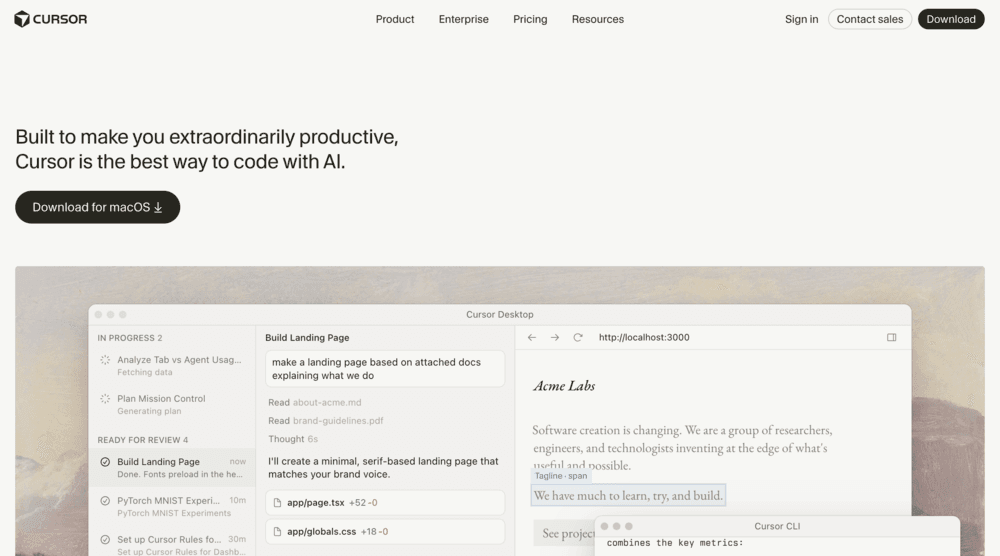
Homepages: nextjs.org, vercel.com, cursor.com, claude.ai Starting price: Next.js is free and open source, Vercel has a free tier (Pro is about $20/month), Cursor starts around $20/month, Claude has a free tier and paid plans from about $20/month.
2) Website analytics
Every solopreneur needs website analytics, but most analytics dashboards are too heavy for day-to-day decisions.
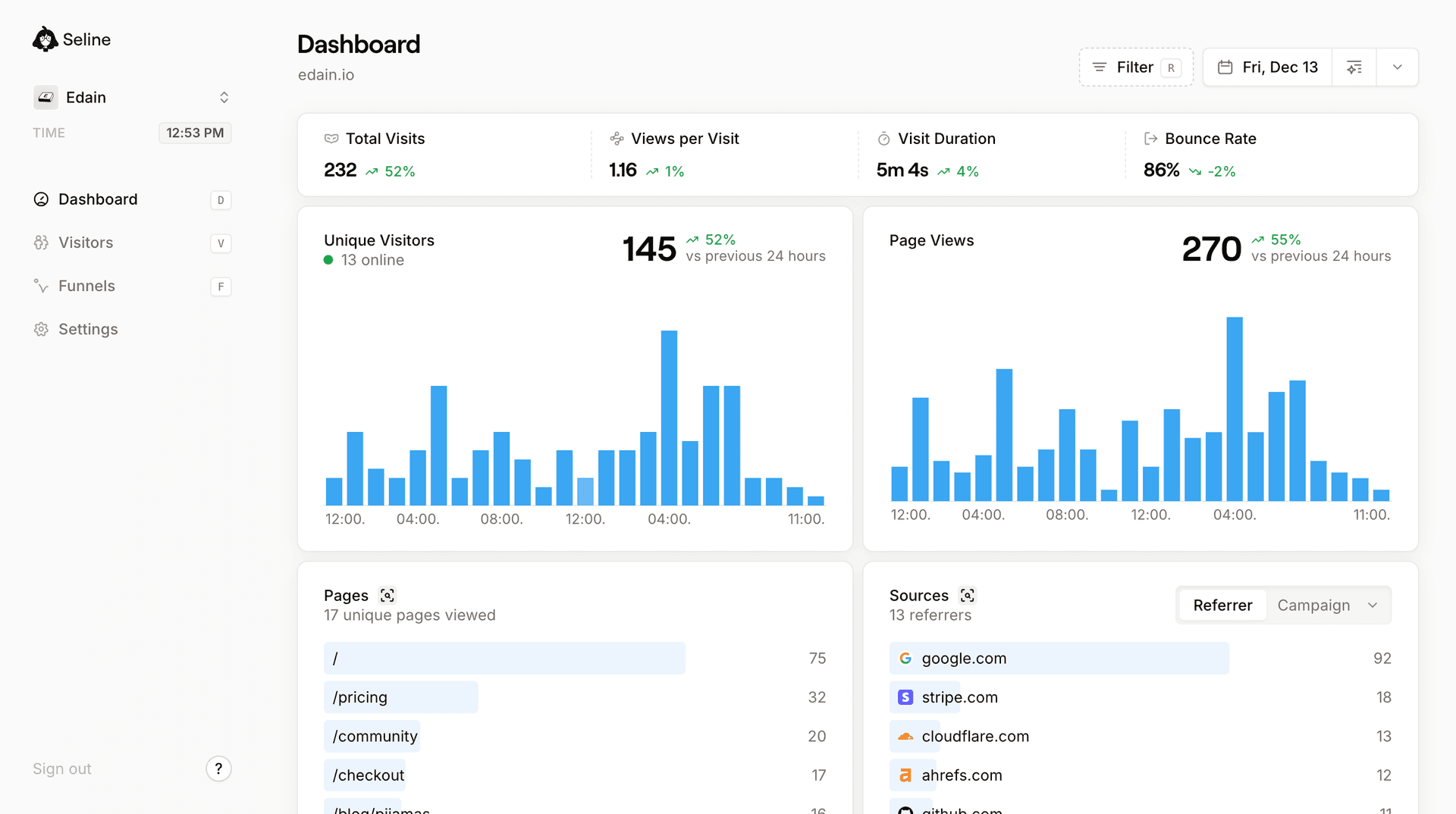
I built and use Seline because I wanted a cleaner way to understand traffic, conversions, and user behavior without getting buried in noise. If you're evaluating tools for solopreneurs, I think analytics clarity pays off over time.
Homepage: seline.com Starting price: free plan available, paid plans start from about $9/month.
Get started with web analytics for free.
Sign up for Seline now - no credit card required. Cookieless, privacy-friendly, independent.
Get started
What I care about most in analytics:
- which pages drive signups
- which sources bring qualified traffic
- where users drop before converting
- how changes to copy or layout affect outcomes
If your analytics tool cannot answer those quickly, it may be worth trying a simpler setup.
Another option: Google Analytics
Google Analytics is still the most popular analytics tool, and it is free to start.
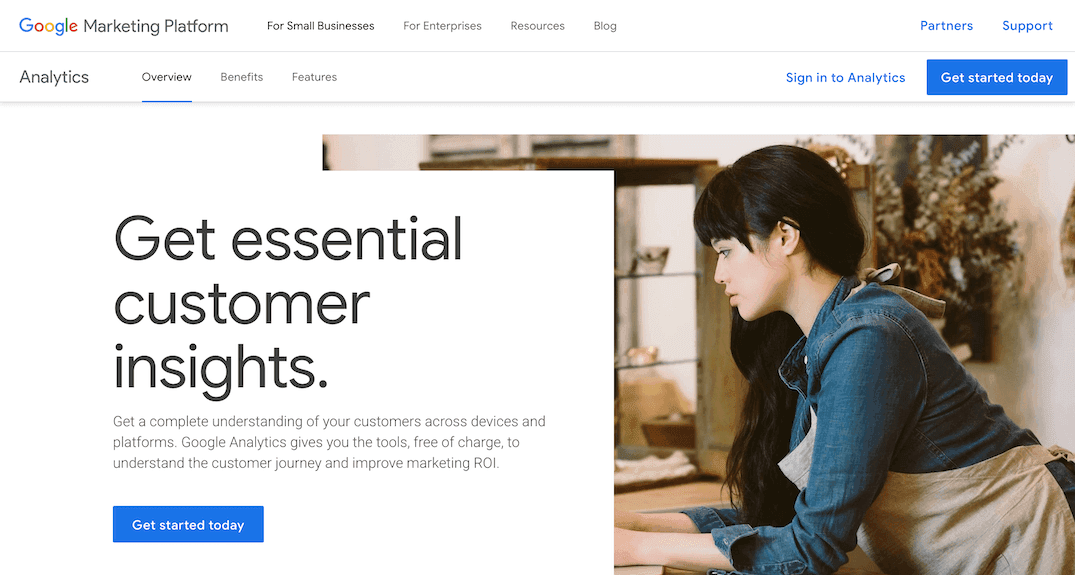
Homepage: analytics.google.com Starting price: free (GA4), with enterprise pricing via Google Analytics 360.
I still mention it because most founders will evaluate it at some point. My take is simple: it is powerful, but it can be insanely complex for day-to-day use, and because of that it is often not very solopreneur-friendly.
Because it sits inside Google's ad ecosystem, many founders are uncomfortable with how visitor data is collected and used. If privacy is a core requirement for your brand, this tradeoff is important to think through early.
3) Website chat
For website chat, Shopify stores often use native or app-based chat options. For SaaS and content sites, I like Crisp.
Crisp has a solid free plan, and it's enough for many solo builders early on. You can capture leads, answer questions fast, and keep a lightweight support loop without adding expensive support software too early.
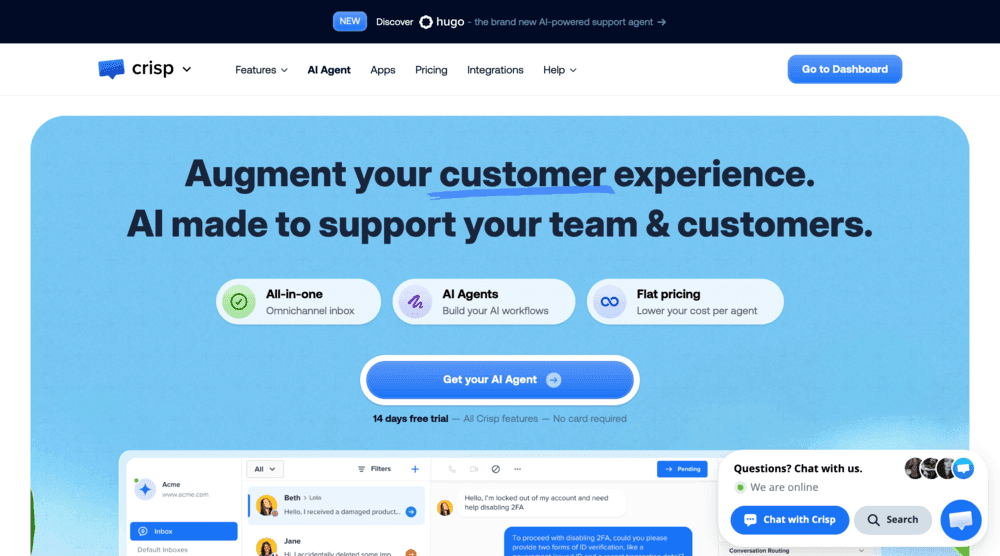
Homepage: crisp.chat Starting price: free plan available, paid plans start around $50/month.
4) Task tracking
Linear is excellent if you want clean issue tracking, priorities, and planning with a proper product workflow.
Apple Notes is what I actually use for a lot of daily planning because it's frictionless. Open, write, move forward.
This may sound funny, but it is true.
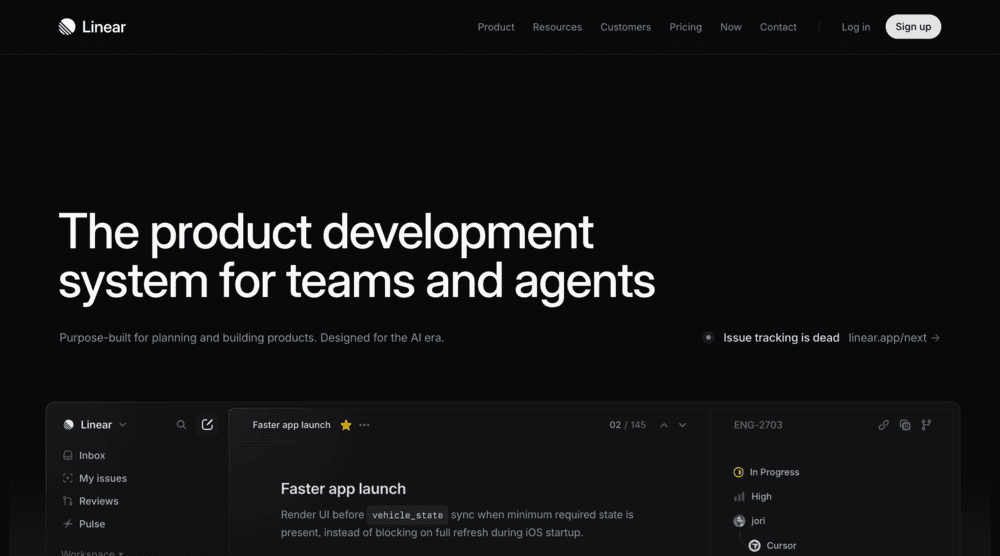
Homepages: linear.app, apple.com/apple-notes Starting price: Linear has a free plan (paid from about $8/user/month yearly), Apple Notes is free on Apple devices.
The best productivity tool for solopreneurs is often the one you will actually use every day.
5) Marketing materials
If you are comfortable with design systems and components, use Figma. It scales better for product marketing and consistent visual language.
If Figma feels intimidating, Canva is perfectly fine. The goal is to publish good marketing assets fast, not to become a full-time designer.
As a solo founder, speed of iteration beats pixel perfection.
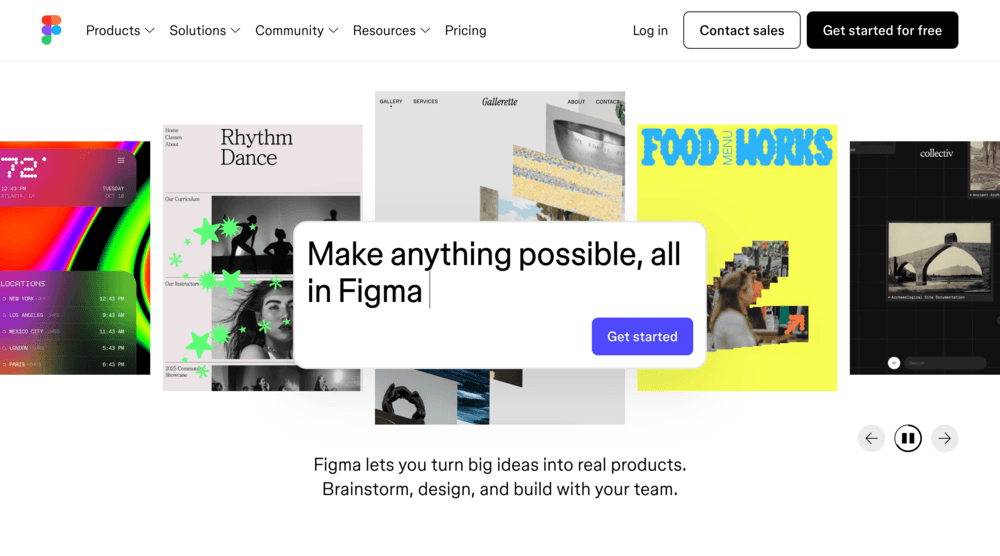
Homepages: figma.com, canva.com Starting price: both have free plans; Figma paid starts around $15/seat/month, Canva Pro around $15/month for one user.
6) Payments
Stripe is still my default for online payments in SaaS. It handles subscriptions, one-time payments, invoices, taxes, and many edge cases you'll eventually hit.
I prefer not reinventing billing. Stripe gives reliability, strong docs, and good developer experience, which is exactly what solopreneurs need when they're already wearing too many hats.
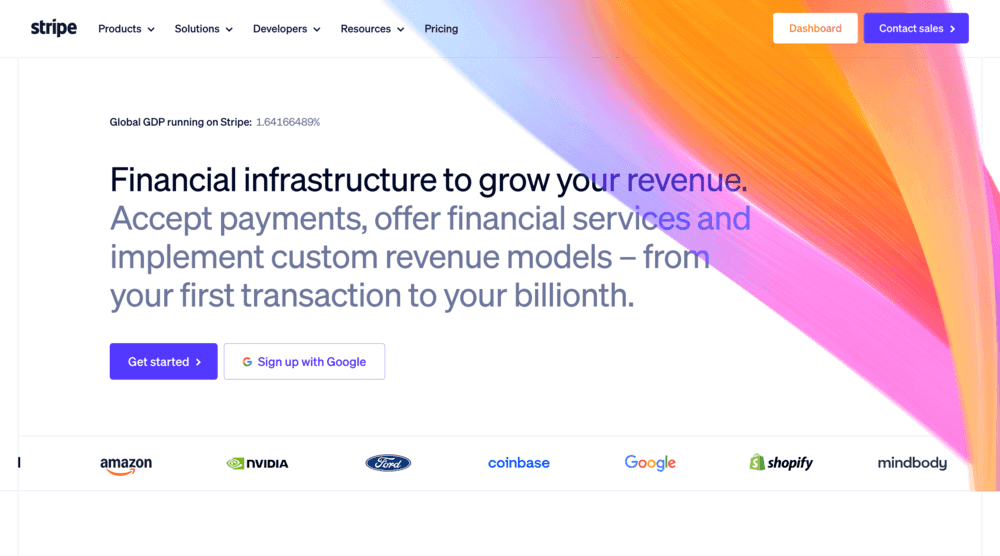
Homepage: stripe.com Starting price: no monthly base for standard setup; common online card pricing starts at around 2.9% + $0.30 per successful card charge (depends on region and payment method).
7) AI tools
AI is now part of my default stack.
I use ChatGPT and Claude for:
- copy editing
- marketing ideas and campaign angles
- technical questions and debugging help
- outlining blog posts and docs
- research support for SEO and content
There are many AI tools for solopreneurs now, but the main value is not only the model name. It's your workflow and prompt quality.
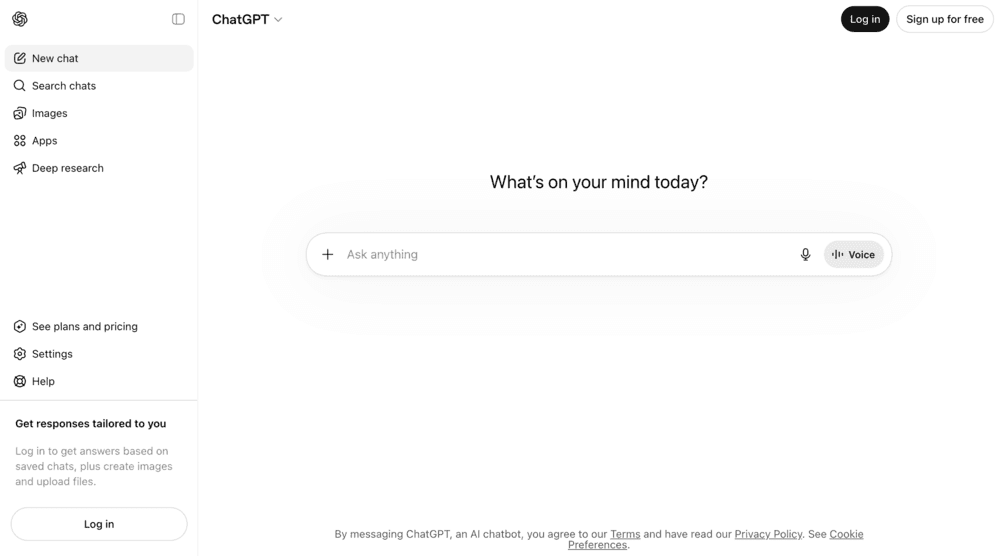
Homepages: chatgpt.com, claude.ai Starting price: both have free tiers, paid individual plans usually start around $20/month.
8) Email and docs
Google Workspace is still the simplest setup for solo operations: domain email, docs, sheets, and calendar in one place.
One practical Gmail note: your avatar image is more likely to appear reliably to recipients when they also use Gmail. There are exceptions due to contact settings, sender reputation, enterprise policies, and caching behavior, but Gmail-to-Gmail usually works best.
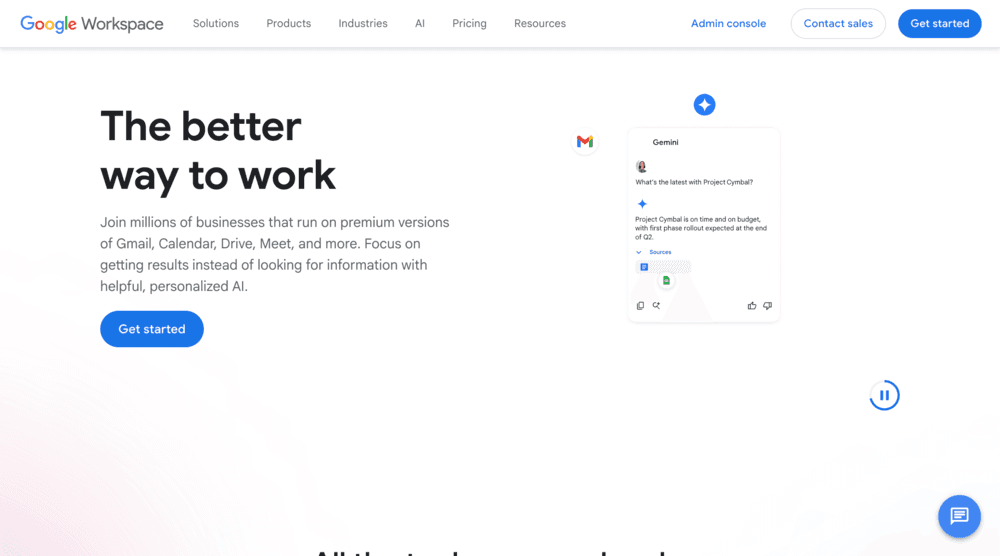
Homepages: workspace.google.com, gmail.com Starting price: Google Workspace starts around $7/user/month (Business Starter, yearly commitment in many regions).
9) Product demos
Screen Studio is my go-to for polished product demos. Good demo videos improve conversion rates because users can understand the product in minutes.
For solopreneurs, better demos mean fewer support questions and more qualified signups.
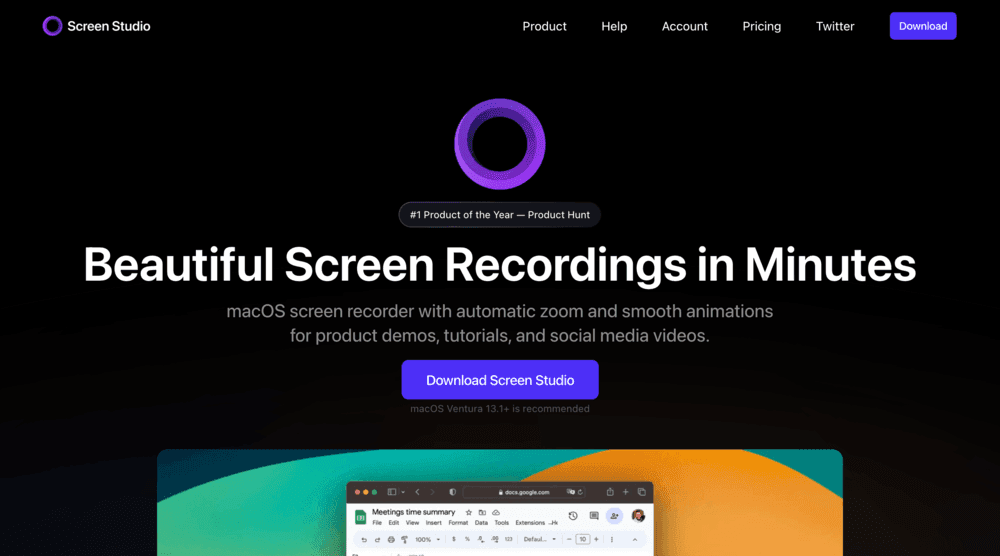
Homepage: screen.studio Starting price: one-time license pricing, commonly from around $108 (check latest on the pricing page).
10) Social listening
Syften is a useful tool I use for keyword monitoring across social platforms and communities.
It helps me track intent-driven conversations where people already discuss analytics, website tracking, and alternatives. For solo distribution, it helps surface demand signals quickly.
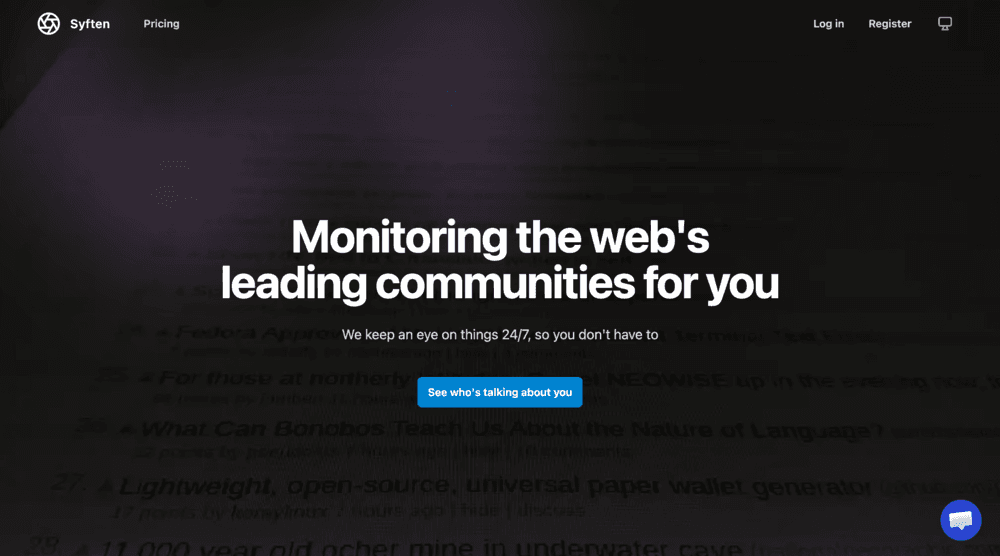
Homepage: syften.com Starting price: typically from about $19/month.
11) SEO research
For SEO, I use Ahrefs. The Lite plan is usually enough if you're disciplined.
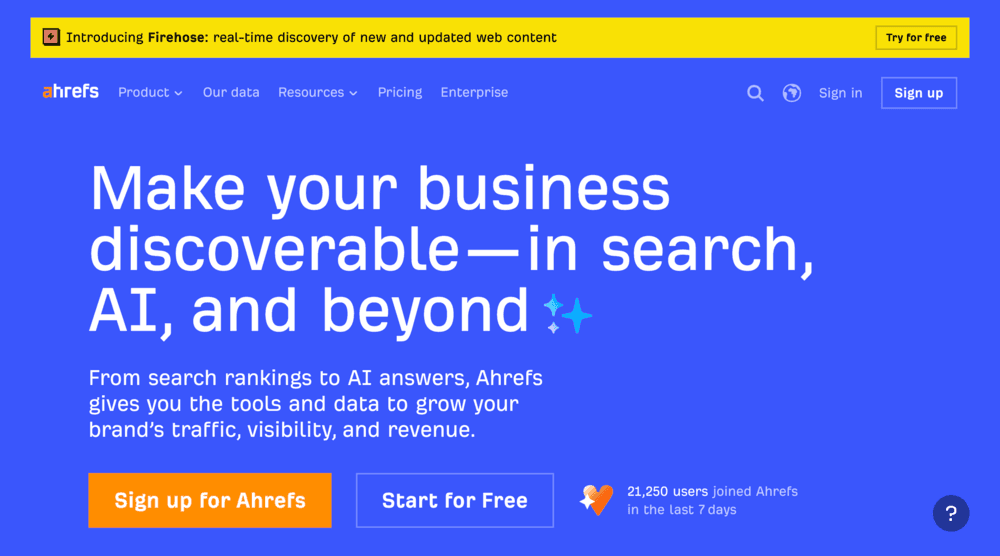
Homepage: ahrefs.com Starting price: Lite plan is commonly around $129/month.
I focus on:
- finding low-competition, high-intent keywords
- mapping content clusters around core topics
- watching ranking movement after updates
- monitoring backlinks and competitor content
You don't need enterprise SEO tooling as a solo founder. You need consistent execution.
How I choose tools as a solopreneur
People ask me, "What are the best tools for solopreneurs?" My answer is simple: the tools that reduce decision fatigue without breaking your budget.
I use four filters:
- Speed: does this tool help me ship this week?
- Simplicity: can I use it without deep setup overhead?
- Affordability: is the pricing reasonable for my current stage?
- Compounding value: will this still help when traffic and revenue grow?
If a tool fails two of these four, I remove it.
FAQ: tools for solopreneurs
What are the most important tools for solopreneurs?
Start with website platform, analytics, payments, task tracking, and AI. Those five categories create the core operating system for a one-person business.
Which website platform is best for solopreneurs?
It depends on your model: Shopify for e-commerce, Framer for design-led pages, and Next.js + Vercel for custom product-led websites.
Do solopreneurs really need analytics early?
Yes. Without analytics, you guess. With analytics, you can improve messaging, pages, and channels based on actual behavior.
Is Ahrefs Lite enough for a solo founder?
In many cases, yes. If your SEO strategy is focused and execution is consistent, Ahrefs Lite can cover keyword research, rank tracking, and competitive monitoring.
Final take
The internet loves "top 50 tools" posts. My stack is intentionally smaller.
If you're building solo, pick fewer tools, integrate them well, and run a tight loop: ship, measure, learn, repeat.
These are the tools for solopreneurs that currently help me build Seline solo and keep a sustainable pace.