What Is SaaS Analytics And Why Do You Need It
SaaS growth gets messy fast.
You need to know where customers come from, which users activate, where trials stall, why people churn, and which channels bring revenue that actually sticks. Looking at signups alone will not answer those questions. Looking at revenue alone will not either.
That is where SaaS analytics comes in. It connects product usage, acquisition, retention, and revenue so you can see how the business is really performing.
This guide covers what SaaS analytics is, which metrics matter, how to use those metrics, and which tools can help.
What is SaaS Analytics?
SaaS analytics is the process of tracking and analyzing the numbers that show how a subscription business grows.
It includes classic subscription metrics like MRR, churn, customer lifetime value, and customer acquisition cost. It also includes product and website behavior: which features people use, where users drop off, which campaigns bring qualified visitors, and which paths lead to paid accounts.
In practice, SaaS analytics sits between product analytics, funnel analysis, revenue analytics, and web analytics. You need all of those pieces if you want to understand the full journey from first visit to paid customer.
How Can SaaS Analytics Help Your Online Business Grow?
Good SaaS analytics helps you make better decisions with less guessing. Here are the areas where it usually pays off first:
- Retention: See where users lose momentum before they churn. Maybe they never finish onboarding, never invite a teammate, or stop using the feature that drives long-term value.
- Acquisition: Learn which channels bring customers, not just visitors. Paid traffic can look great at the top of the funnel and still fail once you connect it to activation or revenue.
- Product development: Find which features people actually use and which ones create friction. This helps teams prioritize improvements with evidence instead of opinions.
- Revenue growth: Track MRR, LTV, expansion, and churn so you can see whether growth is healthy or just hiding a retention problem.
The goal is not to collect more charts. The goal is to understand what moves the business.
What SaaS Metrics Should You Track?
The right SaaS metrics depend on your stage, but most teams should start with a small set that covers acquisition, activation, retention, and revenue.
- Monthly Recurring Revenue (MRR): The predictable subscription revenue your business earns each month. MRR is the headline number for most SaaS companies, but it needs context from churn, expansion, and acquisition cost.
- Customer Acquisition Cost (CAC): The cost of acquiring a new customer. CAC helps you understand whether your growth channels are efficient.
- Customer Lifetime Value (LTV): The estimated revenue a customer brings over their full relationship with your product. LTV helps you judge how much you can afford to spend on acquisition.
- Average Revenue per User (ARPU): The average revenue generated per customer or account. ARPU is useful when you are testing pricing, plans, or expansion paths.
- Churn Rate: The percentage of customers who cancel in a given period. High churn can cancel out strong acquisition, so it deserves close attention.
Financial metrics are important, but they do not explain everything. You also need usage and journey metrics that show what people do before they buy, upgrade, or leave.
Here are the product and web metrics worth adding:
1. Session Time (or Average Session Duration)
Session time shows how long people spend in your site or product. A longer session can mean stronger engagement, but context matters. A long session during onboarding might also mean the user is stuck.
2. Daily Active Users (DAU) / Monthly Active Users (MAU)
DAU and MAU show how often users come back. They are especially useful for products where frequent usage is part of the value.
3. Time to Value (TTV)
Time to value tracks how long it takes a new user to reach the first meaningful outcome. Shorter TTV usually means better activation and a lower risk of early churn.
4. Customer Engagement Score
An engagement score combines signals like logins, feature usage, session depth, and key events. It can help customer success teams spot healthy accounts and risky accounts earlier.
5. Feature Adoption Rate
Feature adoption shows whether users are finding the parts of the product that create value. You can track this with custom events, especially for actions that do not have their own page URL.
6. Bounce Rate
Bounce rate is useful for marketing pages, landing pages, and content. If a key page gets qualified traffic but visitors leave without continuing, the message or next step might be unclear.
7. Pages per Session
Pages per session can show whether visitors are exploring or getting stuck. Pair it with website visitor tracking to understand the actual path people take.
8. Customer Lifetime Value (CLTV)
CLTV estimates the total value of a customer over time. It is most useful when you compare it against CAC and segment it by channel, plan, or customer type.
Do not try to optimize all of these at once. Pick the few that match your current bottleneck.
Best Tools for SaaS Analytics
Now let’s look at tools that help you track SaaS performance from different angles.
Seline
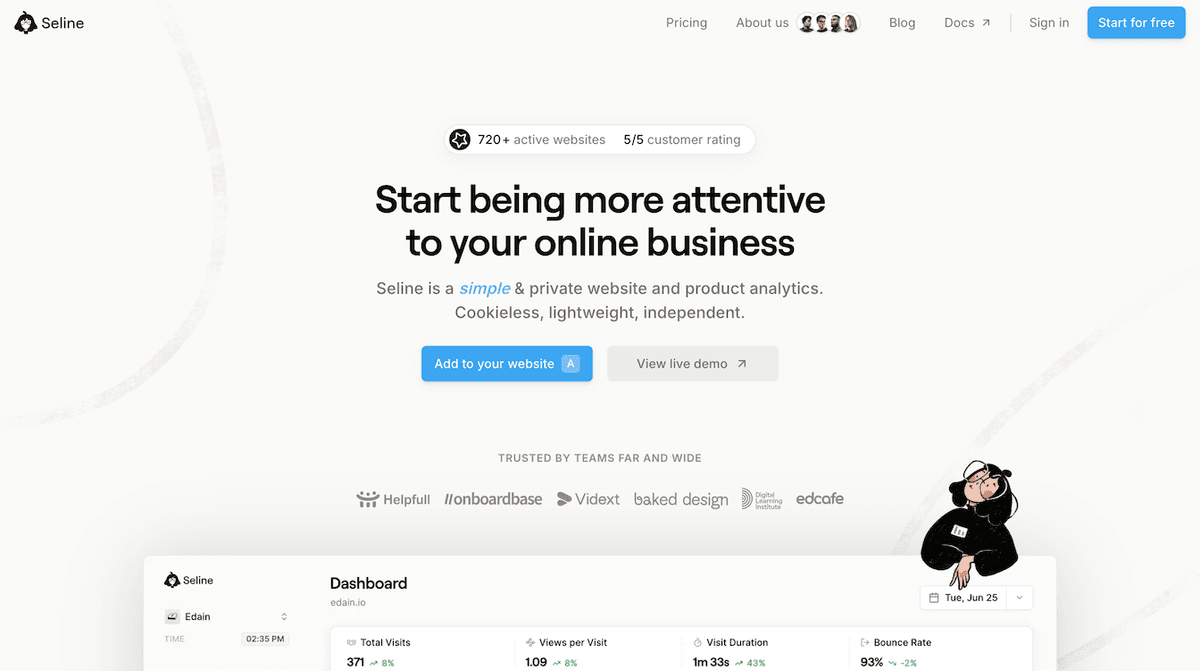
Seline combines website analytics, funnels, user journeys, and revenue context in one simple dashboard. It is a good fit for SaaS teams that want to understand how visitors become users, how users become customers, and which channels create real revenue.
You can build funnels, track custom events, connect Stripe or Polar for revenue, and view user journeys without dealing with the complexity of heavier analytics tools.
Seline is also privacy-first and cookieless by default. If you want simpler analytics without moving everything into Google Analytics, this Google Analytics vs Seline comparison is a useful next read.
Sign up for Seline to see your SaaS funnel, revenue, and user behavior in one place.
Mixpanel

Mixpanel is a powerful product analytics tool for event-based tracking. It is useful when you need detailed reporting on feature usage, cohorts, retention, and product behavior. The tradeoff is that setup and maintenance can take more work, especially for smaller teams. If pricing is part of your evaluation, see this Mixpanel pricing breakdown.
Heap
Heap automatically captures many user interactions, which can be helpful if you do not want to define every event upfront. Retroactive analysis is its biggest advantage. The downside is that automatic capture can still require cleanup and naming discipline if you want reports your whole team can trust.
Baremetrics
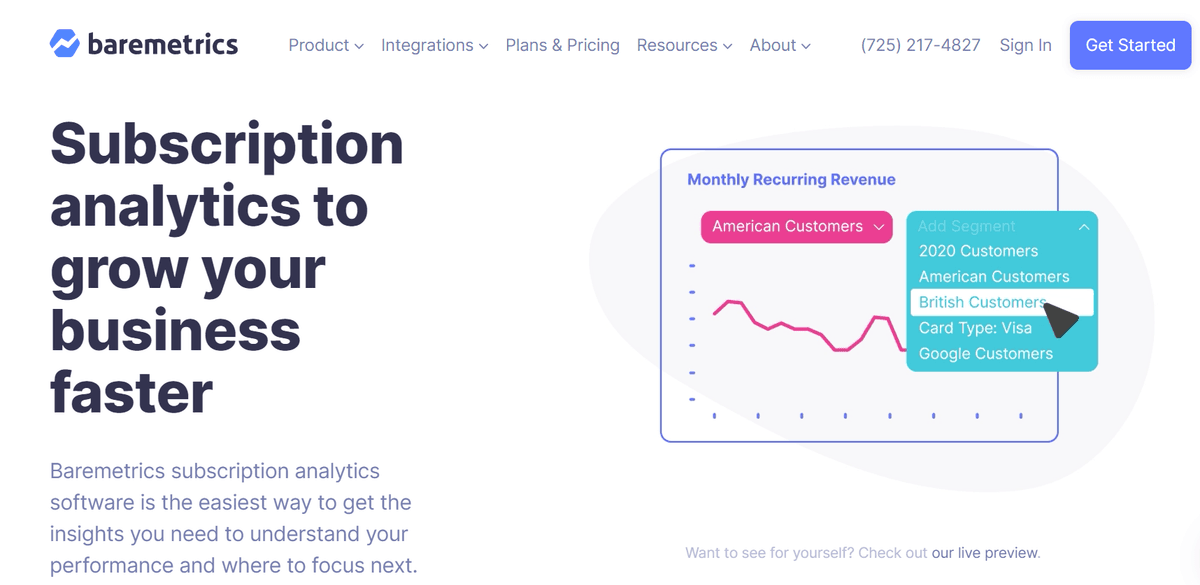
Baremetrics focuses on subscription metrics like MRR, LTV, churn, upgrades, downgrades, and forecasting. It is strong for financial reporting, especially if your main gap is understanding revenue movement rather than product behavior.
ProfitWell
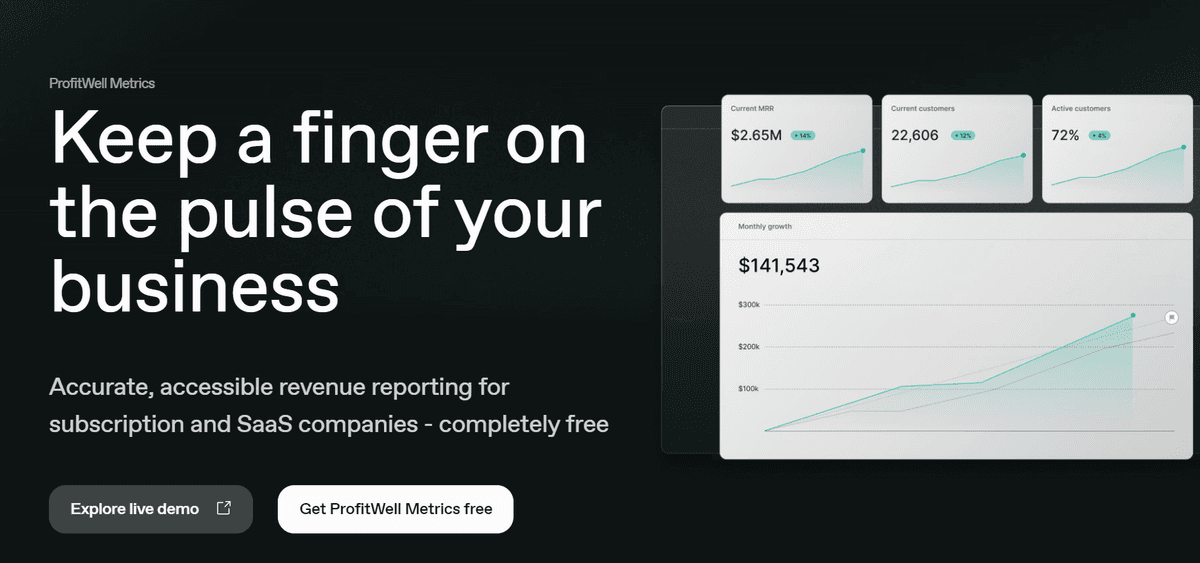
ProfitWell, now part of Paddle, focuses on subscription revenue, churn, and pricing insights. It can be useful for teams that want deeper revenue reporting and retention tools tied to billing data.
ChartMogul
ChartMogul helps SaaS companies track subscription revenue, churn, customer lifetime value, and customer segments. It is a good option when your billing data is spread across tools and you want cleaner revenue reporting.
Choosing the right analytics tool depends on your current bottleneck. If you mainly need billing metrics, a subscription analytics tool may be enough. If you need to understand acquisition, activation, product behavior, and revenue together, choose something that connects those pieces.
Ready to make SaaS analytics easier? Seline for SaaS helps you track visitor behavior, funnels, custom events, and revenue without compromising privacy. Sign up today and start with the metrics that actually guide growth.