The 6 Best Web Analytics Tools for 2026 - Compared Side by Side
If you are choosing web analytics tools, website analytics software, or a full web analytics platform, you are usually answering one question: which product will you actually open every week?
Some tools stay simple and stop at pageviews. Some are powerful web analytics platforms that need an analyst or an agency. Some are free and come with privacy trade-offs.
Below are six website analytics tools I have used on client sites in 2026, with pricing, privacy, and the job each one is actually good at.
TL;DR: Best web analytics tools in 2026
- Seline: Best day-to-day pick for most teams. Privacy-first, fast to set up, with traffic, funnels, journeys, and revenue on one plan.
- Google Analytics 4 (GA4): Best free option if you need depth, Google Ads, and already know the interface or will hire help.
- Matomo: Best when you want GA-level depth with ownership. Open-source, self-host or cloud. Heavier to run.
- Fathom: Best lightweight traffic dashboard. Clean, cookieless, intentionally minimal.
- Kissmetrics: Best for journeys and retention when customer behavior matters more than pageviews. Product analytics. Not simple.
- Mixpanel: Best product analytics pick for event-based funnels, cohorts, and custom dashboards. Deep, and complex.
The right pick depends on your goals, team size, and how much complexity you will maintain.
Quick comparison: web analytics tools
| Tool | Best for | Cookieless | Self-host | Strength | Complexity | Starting price |
|---|---|---|---|---|---|---|
| Seline | Most small to medium teams | Yes | No | Simplicity, UX, unique toolkit | Low | $9/mo |
| GA4 | Free + customizable reporting | No | No | Depth and Google ecosystem | High | Free |
| Matomo | Privacy and ownership | Optional | Yes | Control and compliance | Medium-High | From $26/mo or free self-host |
| Fathom | Simple traffic stats | Yes | No | Speed, simplicity, strong brand | Low | From $15/mo |
| Kissmetrics | Customer journeys | No | No | Retention, cohorts, AB testing | Medium | Free to 100k events, then $99/mo |
| Mixpanel | Product-led teams | No | No | Events, funnels, custom dashboards | Medium-High | Free tier (1M events) |
Prices are public list prices as of September 2026. Seline, Fathom, and Matomo Cloud scale with traffic. Mixpanel and Kissmetrics scale with events. GA4's standard product is free; Analytics 360 is a separate enterprise contract.
What makes a good website analytics tool
A useful analytics tool should help you make decisions, not just store numbers. Website analytics software you never open is wasted. These are the checks I use across web analytics platforms:
- A clear interface. Traffic, sources, top pages, and conversions without five menus.
- Fresh or real-time data. Delayed reports make launches and campaigns harder to judge.
- Actionable metrics. Twenty-five dashboards do not help if nobody acts on them.
- Integrations. Billing, marketing, and search connections that tie visits to outcomes. Stripe plus journeys is the example I care about most.
- Getting value. The tool should answer: Where do visitors come from? Which pages convert? Where does onboarding drop? Which campaigns waste budget?
If you only need the basics, start with our guide to simple web analytics.
1. Seline: generally best for most teams
Seline is built for teams that want useful analytics without the complexity of traditional web analytics platforms. It covers the stats you need first: traffic, sources, top/entry/exit pages, UTMs, bounce rate, sessions, and custom events.
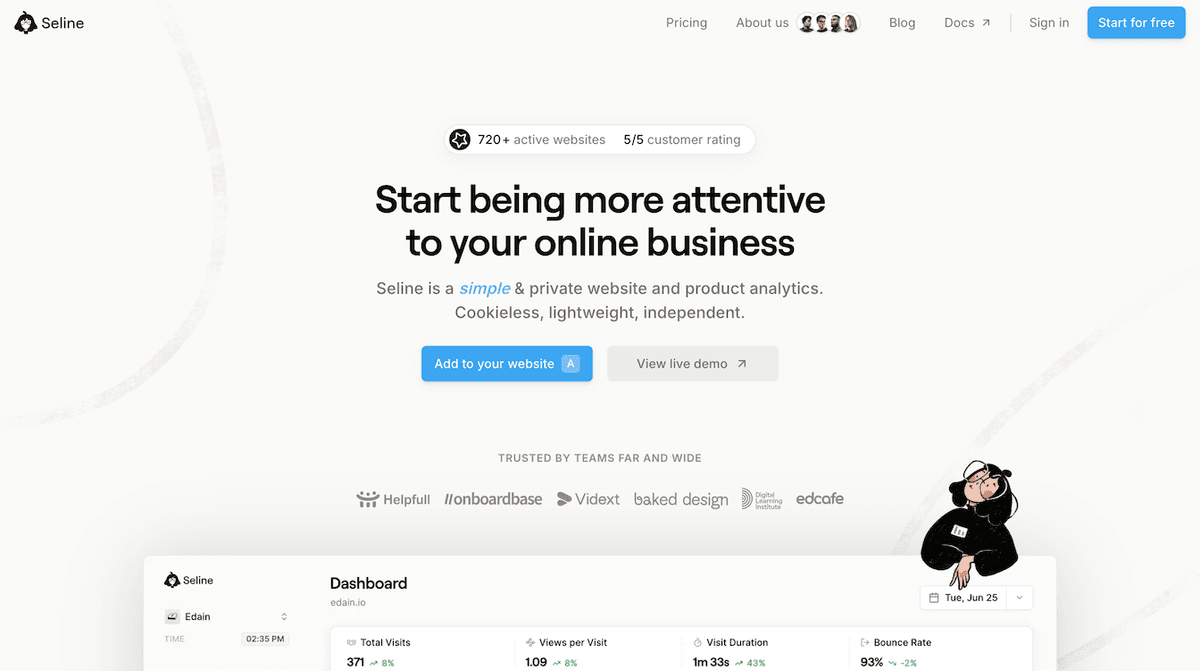
You also get funnels, visitor journeys, revenue context, AI chat, and a real-time dashboard you can read on day one. Add the script and you are in. Cookieless by default, no banner for standard tracking, and GDPR-compliant analytics without the GA4 consent setup.
Seline features
- Clean dashboard with the metrics most site owners need first.
- Visitor journeys to see individual paths and drop-offs, not only aggregate pageviews.
- Funnels, custom events, AI chat, and Google Search Console.
- Revenue tracking via Stripe, Polar, or custom revenue events.
- One plan. No feature gates for funnels or journeys.
Seline pricing
Seline pricing is one Pro plan. You pay for monthly pageviews plus custom events.
- From $9/month at 10,000 events
- $14/month at 25,000
- $24/month at 100,000
- Yearly billing is two months free
- 7-day trial, no credit card
- Forever data retention, unlimited websites (you can share one event quota across linked sites)
No permanent free cloud plan. No Business tier that unlocks the useful reports.
Seline best for
Small and mid-size teams, indie SaaS, and site owners who want a web analytics tool they will check daily, with room to add funnels and revenue later. Strong fit if you already bill through Stripe or Polar.
Skip it if you must self-host, or if you need a $0 plan after the trial.
Seline pros and cons
Pros
- Fastest day-to-day dashboard in this list
- Cookieless, EU-hosted, real-time
- Funnels, journeys, AI, and revenue on the entry plan
- Pricing that stays simple as traffic grows
Cons
- No self-hosted edition
- No forever-free cloud plan
- At high traffic, a traffic-only tool can be cheaper
Get started with web analytics for free.
Sign up for Seline now - no credit card required. Cookieless, privacy-friendly, independent.
Get started
2. Google Analytics 4 (GA4): best free option
GA4 is still the default web analytics software on the internet. According to W3Techs, it appears on about 44% of all websites and holds around 79% of the market among sites with a recognized analytics tool. It is free, widely supported, and capable of tracking a lot of behavior if you configure it well.
GA4 features
- Event-based tracking across web and apps
- Deep custom reports and explorations
- Native Google Ads, Search Console, and BigQuery paths
- Predictive metrics and large-scale reporting for bigger teams
- Huge ecosystem of tutorials, agencies, and tag templates
GA4 pricing
The standard product is free. Google Analytics 360 is a separate enterprise contract for companies that need SLAs, higher limits, and sales support. "Free" still costs time: setup, consent, and reporting often mean an agency or an in-house analyst.
GA4 best for
Teams already inside the Google stack, especially if Google Ads is load-bearing, or organizations that already have someone who maintains GA4. Skip it if you want a dashboard a founder can read without training.
GA4 pros and cons
Pros
- Free at almost any traffic volume
- Unmatched Google Ads and Search Console depth
- Can model almost any reporting question if you invest in setup
Cons
- Setup is more work than most teams expect
- Heavy interface for everyday questions
- Google Analytics GDPR compliance adds friction in the EU
- Advanced reporting usually needs analyst-level knowledge
If you want something simpler, see our Google Analytics alternatives.
3. Matomo: best for privacy and data ownership
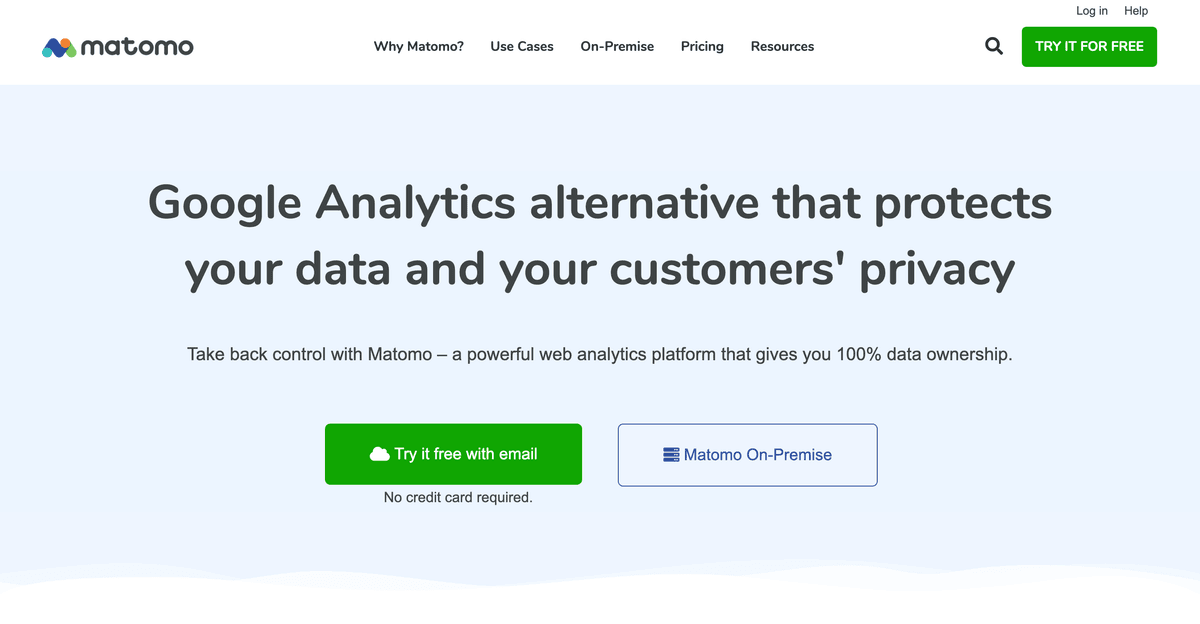
Matomo is one of the best-known privacy-focused web analytics platforms. Feature depth is in the same league as Google Analytics, including its own tag-manager option. European teams pick it when storage location and compliance sit above convenience.
Matomo features
- Self-host or Matomo Cloud
- Full traffic reports, goals, e-commerce, and funnels
- Heatmaps, session recordings, form analytics, and A/B testing (included on Cloud; paid plugins on-premise)
- No data sampling on typical setups
- Configurable privacy controls and data residency
Matomo pricing
On-premise Community is free to license. You pay the server and the people who keep it updated. Premium on-premise plugins (heatmaps, funnels, and similar) are sold separately.
Matomo Cloud starts around $26/month at 50,000 hits (pageviews and events both count). Cloud includes the premium feature set. There is a free trial.
Matomo best for
Organizations that need ownership, EU hosting, or a GA-shaped tool they can put on their own infrastructure. Skip it if you wanted a five-minute install and a one-page dashboard.
Matomo pros and cons
Pros
- Real data ownership when self-hosted
- Depth close to GA4 without sending everything to Google
- Cloud path if you do not want to run servers
- Strong compliance story
Cons
- Heavier UI and setup than Seline or Fathom
- Self-hosting is ongoing ops
- Cloud costs more than lightweight tools at the same traffic
- On-premise extras can turn "free" into a plugin bill
4. Fathom: best lightweight traffic dashboard
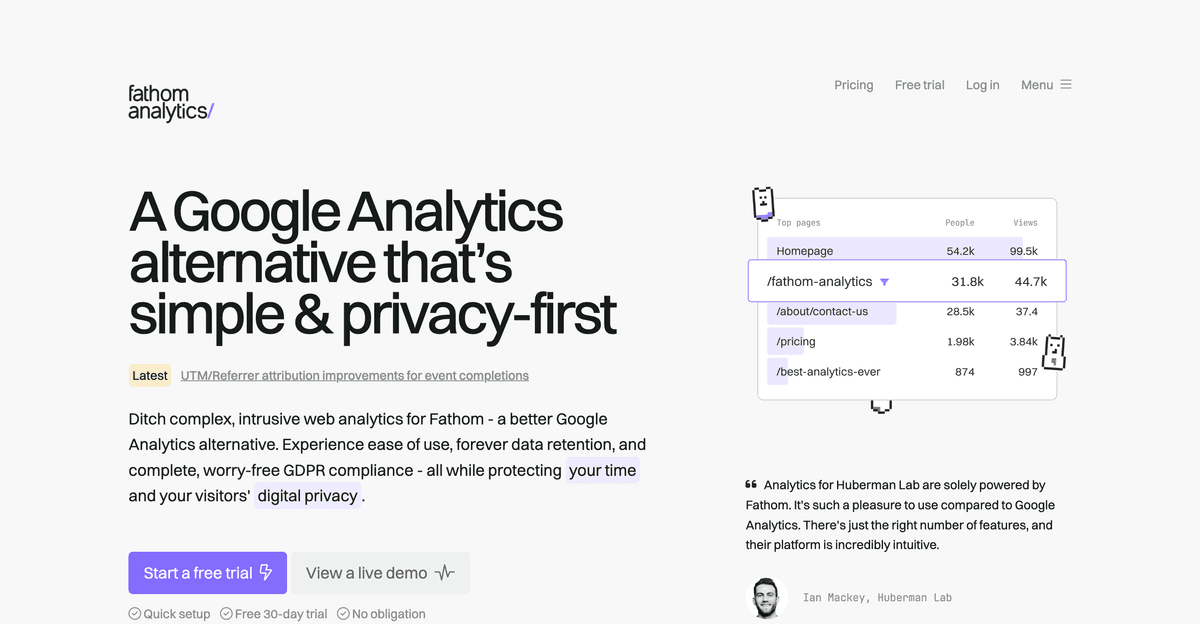
Fathom is built around one idea: show the important traffic numbers and stay out of the way. Among web analytics tools in this list, it is the most reduced.
Fathom features
- One-page dashboard: pageviews, referrers, campaigns, events
- Cookieless tracking, no banner for standard analytics
- Real-time visitor count
- Up to 50 sites on the entry plan
- Forever data retention while you subscribe
- Shared dashboards for clients
Fathom pricing
Pricing starts at $15/month for 100,000 pageviews, with 50 sites included. Higher tiers are a pageview slider, not feature gates. Annual billing is two months free. Extra sites come in packs of 50 for $10/month. 7-day trial, no permanent free plan. Custom events count as pageviews.
Fathom best for
Publishers, agencies, and marketing sites that want a tiny, trusted traffic dashboard. Skip it if you need user journeys, product funnels, or a free plan. For a closer look, see our Fathom Analytics overview.
Fathom pros and cons
Pros
- Genuinely small UI
- Cookieless and real-time
- 50 sites on the cheapest plan
- Forever retention
Cons
- No free tier
- Entry price assumes 100k pageviews
- No self-host for the current product
- No visitor journeys or revenue attribution in the Seline sense
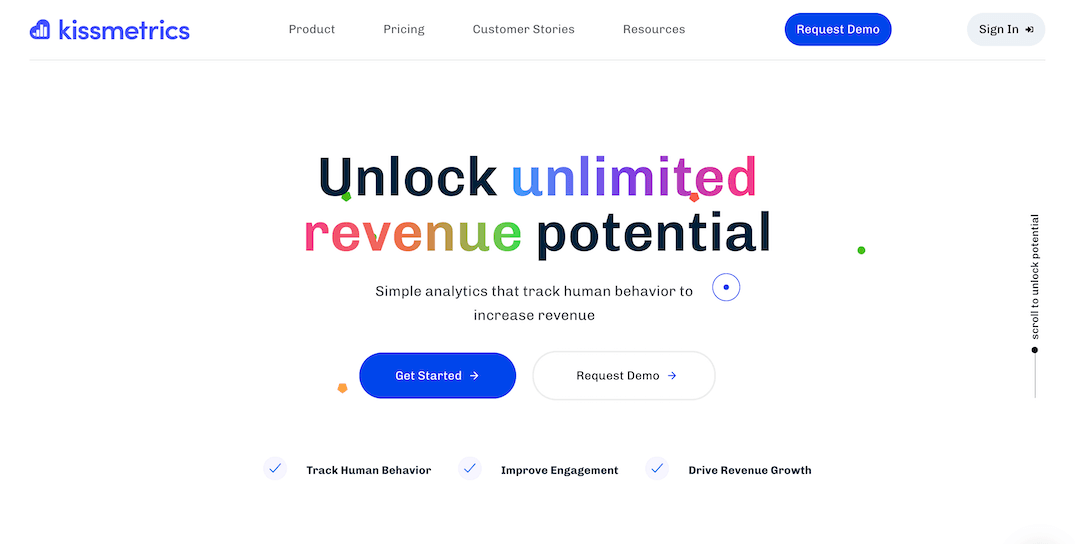
5. Kissmetrics: best for customer journeys and retention
Kissmetrics is website analytics software aimed at behavior over time. Instead of treating every visit as a separate snapshot, it follows how people move from first touch to conversion and retention.
Kissmetrics features
- Person-level journeys, not only sessions
- Funnel and retention reporting
- Cohort comparisons
- Event autocapture plus API
- AI chat, live view, and dashboards on current plans
- A better fit for e-commerce and subscription businesses than for a blog
Kissmetrics pricing
Current published packaging: a free workspace up to 100k events/month, then paid from $99/month (around 500k events on the self-serve rung). Higher volume is priced per event, with annual billing about 20% off. There is a short trial on paid plans. This is still a product-analytics bill, not a $9 traffic dashboard.
Kissmetrics best for
Growth and product teams who care about retention and revenue-tied journeys more than a simple traffic report. Skip it if you only wanted pageviews and sources.
Kissmetrics pros and cons
Pros
- Built around people and journeys
- Retention and cohorts as first-class reports
- Free tier to try on real data
- Stronger for SaaS and e-commerce than for content sites
Cons
- Not a lightweight traffic dashboard
- Setup takes more planning
- Event volume can get expensive
- Overkill if you do not have a product funnel to study
6. Mixpanel: best product analytics for event-based teams
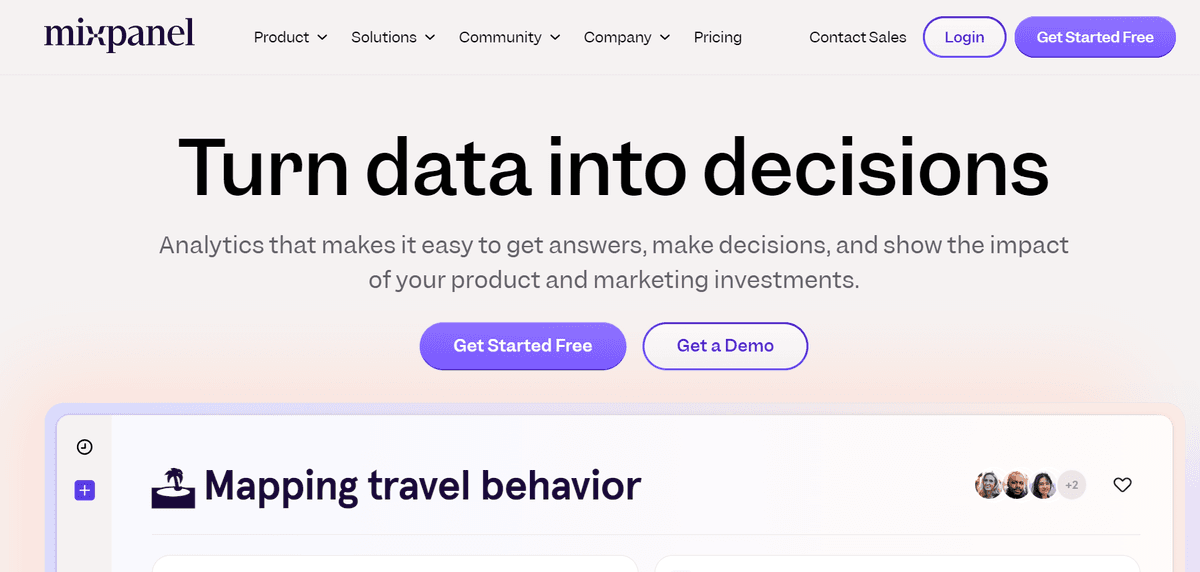
Mixpanel is an event-based analytics platform built for product teams. Highly customizable and deep. It is less about pageviews and more about what users do inside a product or app. Most teams that get value from it have a data person, or an agency, maintaining the event schema.
Mixpanel features
- Event tracking as the core model
- Funnels, flows, and retention
- Behavioral cohorts and segmentation
- Custom dashboards for almost any product question
- Session replay on current plans (limited on free)
- Weaker as a simple website traffic dashboard
Mixpanel pricing
Mixpanel has a free plan up to 1 million events/month, with core reports and a cap on saved reports and replays. Growth keeps the first 1 million events free, then charges roughly $0.00028 per extra event. Enterprise is custom. For the full ladder, see our Mixpanel pricing breakdown.
Mixpanel best for
Product-led companies that already think in events, and have someone to define them. Skip it if you wanted web analytics software for "where did this week's traffic come from."
Mixpanel pros and cons
Pros
- Best-in-class event product analytics in this list
- Generous free event cap
- Funnels, cohorts, and retention are the product, not add-ons
- Custom dashboards for specialist teams
Cons
- Learning curve and schema work
- Usage pricing climbs fast on a busy product
- Poor fit as a simple traffic dashboard
- Usually needs an analyst to stay useful
Which web analytics tool should you choose?
There is no single best tool for every website. Start with the business question, then match the web analytics platform:
- Choose Seline if you want simple, privacy-friendly analytics with room to grow into funnels, journeys, and revenue. A tool you will use daily without an in-house analyst.
- Choose GA4 if you need a free, time-proven, highly customizable platform and have time or budget to manage it. Also if you run Google Ads.
- Choose Matomo if data ownership and privacy controls are the top priority, or if you want to self-host.
- Choose Fathom if you want the simplest possible traffic dashboard.
- Choose Kissmetrics if customer journeys and retention matter more than basic traffic stats.
- Choose Mixpanel if you run a product-led business, need custom event dashboards, and can maintain the implementation.
For most small teams, the best website analytics software is the one you will actually check every week. A lighter dashboard you use beats a powerful dashboard collecting dust.
FAQ: choosing a web analytics tool
What is the best web analytics tool in 2026?
It depends on your use case. For most small teams that want privacy, speed, and clear reporting, Seline is the strongest all-around pick. GA4 remains the best free option if you can handle the complexity. Matomo wins when ownership matters most.
What should I look for in a website analytics tool?
Look for a clear dashboard, metrics tied to decisions, privacy fit for your audience, and integrations that connect traffic to conversions or revenue. Avoid tools that collect more data than your team will ever use.
What is the difference between web analytics tools and website analytics software?
Mostly wording. People search both, plus "web analytics platforms," when they want the same thing: traffic, sources, and conversions for a site. "Software" and "platform" sometimes imply a heavier product (GA4, Matomo, Mixpanel). Start with the questions you need answered, then pick the lightest tool that can answer them.
Is Google Analytics still worth using?
Yes, if you need free depth, Google Ads integration, or already have GA4 set up well. Many teams still leave it because of setup friction, consent complexity, and a dense interface. Privacy-first alternatives are often a better day-to-day fit.
Do I need cookieless analytics?
If you care about GDPR-friendly setup and fewer cookie banners, cookieless analytics is usually simpler. Tools like Seline and Fathom are built that way by default.
Can one tool cover both website and product analytics?
Some can cover both at a practical level. Seline bridges traffic, journeys, funnels, and revenue for many SaaS teams. Mixpanel goes deeper on product events but is weaker as a simple traffic dashboard. Pick based on which questions you ask most often.